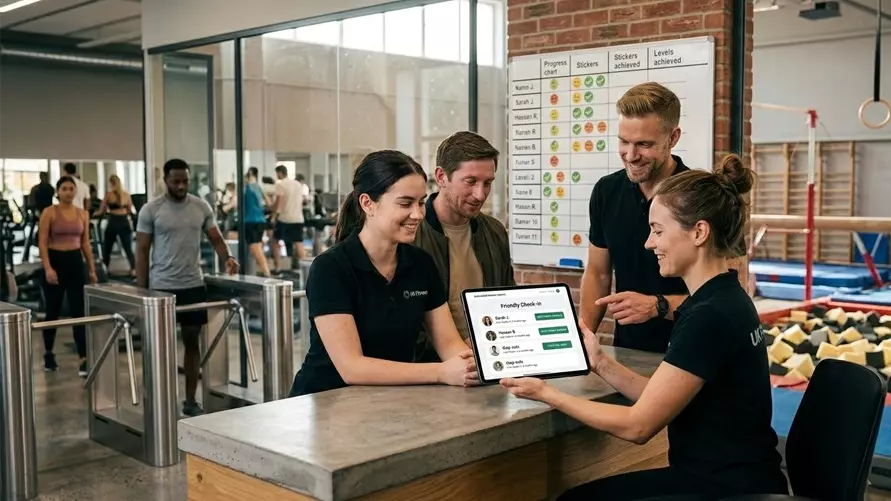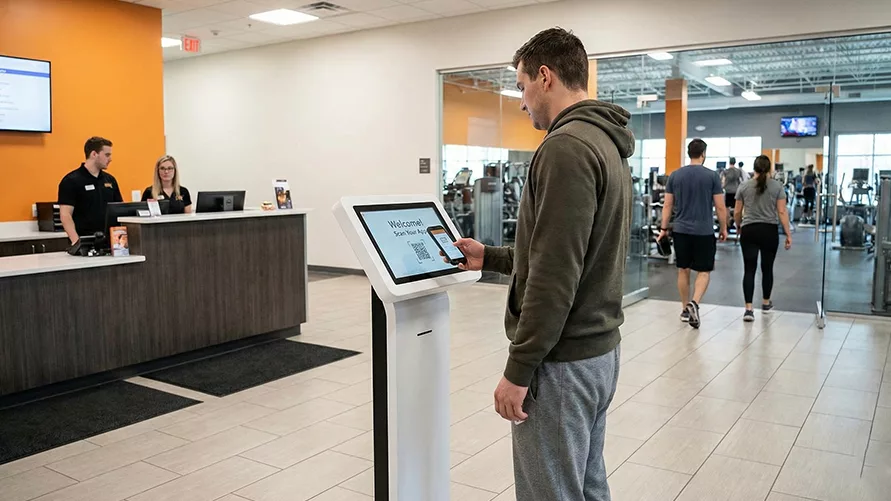
Gyms today look nothing like those from the 1970s and 1980s. Back then, you’d find a few weight benches, basic dumbbells, and maybe a punch bag in the corner. But there were no cardio machines, mobile apps, automated check-ins, and online booking systems that are common today.
For younger members, this highly digital environment feels natural. For many seniors, though, it can feel like walking into a foreign country where the language is full of unfamiliar buttons, screens, and codes.
And yet, this group matters. Even though seniors make up just 22% of the gym-going population, they’re one of the most loyal segments. For them, the gym is more than a workout space. It’s a lifeline that helps them stay strong, mentally sharp, and socially connected. But the rapid tech shift can feel like a wall instead of a welcome. Many senior members worry they’ll make mistakes, feel embarrassed asking for help, or simply miss out on activities because booking a class now means tapping through a screen instead of speaking to someone at the front desk.
This is where gym owners have to help older adults use technology. The goal is not necessarily to modernize at the expense of connection, but to humanize the technology, so even senior members get the best experience where it’s most needed.
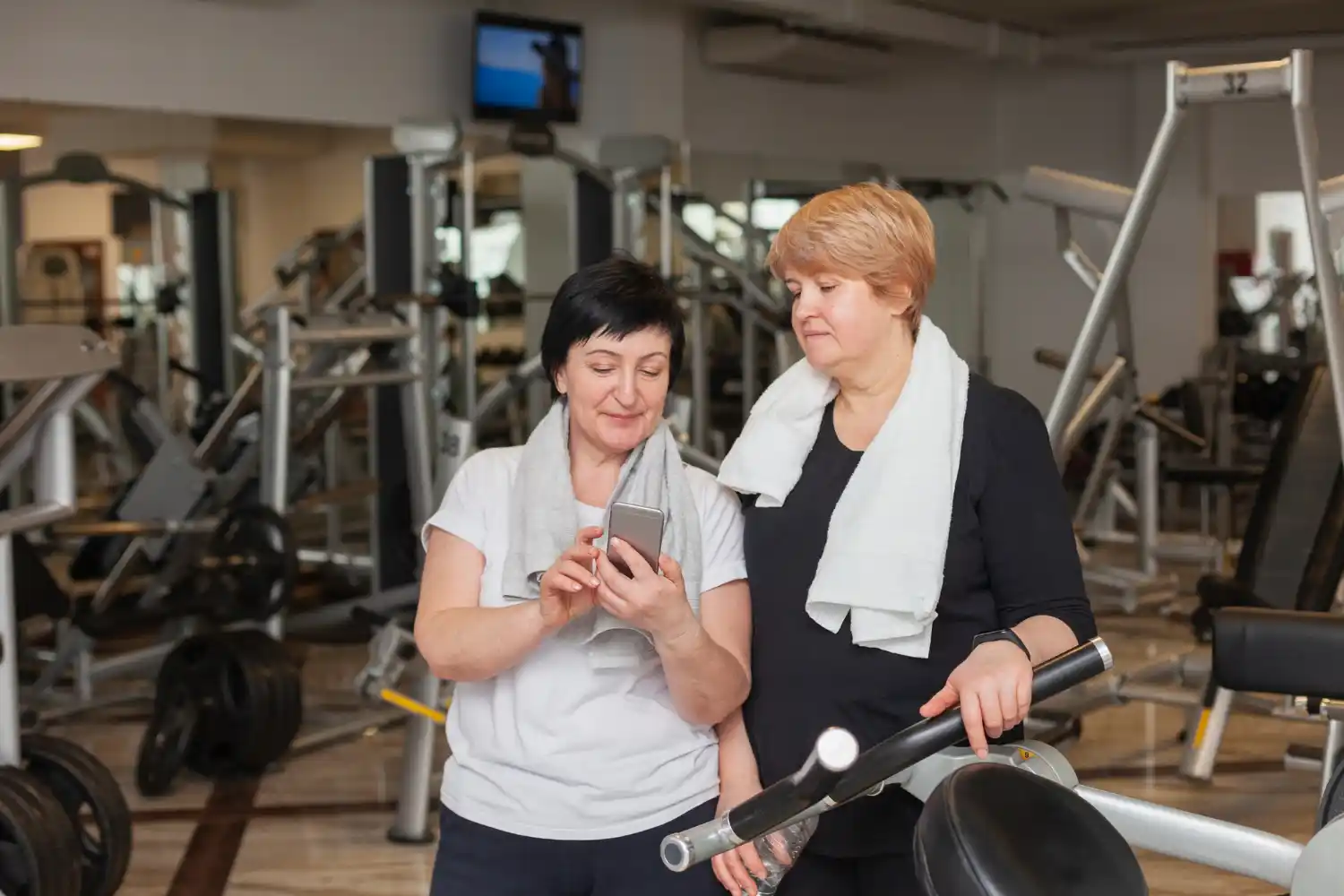
Understanding technology training for seniors in the gym
There’s no doubt that the digitalization of the gym experience has created efficiencies. You no longer need people to mind the front desk if you’ve got automated entry, cameras on the door, and QR code entry.
That person on the front desk is now free to do other things, like create training programs and other high-value events. There’s more safety in a properly identified CCTV entry system, and of course, it allows 24/7 operation.
But that change from having a front desk person who sorts everything out with a chat to a digital space where you largely sort yourself out brings certain issues.
So it’s worth bringing older members along with you in the name of efficiency.
Here are some of the tasks that technology now simplifies.
- Pay for memberships or packages online.
- Book classes without waiting in line.
- Check in quickly without fumbling for cards.
- Access schedules from home.
- Watch virtual workouts if available.
Remember why seniors might be struggling with the technology and learning to operate new gadgets.
- Fear of mistakes, thinking they might “break” something.
- Visual strain from small fonts or low contrast makes screens hard to read.
- Learning style, needing more repetition and hands-on practice.
- Preference for people, enjoy face-to-face help rather than automated systems.
Once you understand these barriers, you can design a tech training approach that feels safe, supportive, and encouraging.
Step-by-step guide to training senior members about gym software
If your goal is to increase adoption without overwhelming your older members, here’s a framework that balances patience with progress.
1. Start with a warm introduction, not a cold login
Before you hand over a tablet or point to a kiosk, explain the “why” in plain language. Show how the system benefits them personally:
“You can reserve your favorite class without rushing to the gym early.”
“You’ll know your spot is confirmed before you even leave home.”
When the benefit feels personal, seniors are more motivated to learn.
(Maintain eye contact with members, for better connection)
2. Teach one feature at a time
Dumping every feature on them at once is overwhelming. Understand that their learning pace may be slower, so create a simple learning path and focus on one feature at a time. For example:
- Learn to book a class.
- Then, learn how to check in using a QR code.
- Next, practice paying for memberships online.
- Finally, explore virtual workout content.
Remember, small wins build momentum.
3. Make training hands-on
Watching is one thing, but doing is where the real learning happens. This is where you put their hesitations to an end.
- Host Tech Help Hours once or twice a week, where members can apply knowledge on the fitness apps for seniors to have hands-on experience.
- Encourage them to bring their own phone or tablet so they’re learning on familiar devices.
- Let senior members operate, discuss and share their experiences for maximum gym member engagement.
- Let the staff guide without taking over. When members tap buttons themselves, the learning sticks.
4. Create printed and visual guides
Even after a training session, many seniors like something they can take home.
- Offer cheat sheets with screenshots and short, clear instructions.
- Post how-to posters near check-in stations.
- Record short video tutorials that they can replay at home.
Always use plain words. “Home screen” is friendlier than “user interface.”
5. Design with accessibility in mind
Work with your software provider to simplify the digital accessibility in gyms. A senior-friendly gym software should have:
- Large, clear buttons.
- High-contrast colors for easy reading.
- Simple navigation with minimal steps.
- Comfortable kiosk height for those with mobility aids.
A small change in design can make a big difference in usability.
6. Offer a transition period
Don’t go app-only overnight. Maintain both digital and traditional methods until confidence grows.
- Keep phone and in-person bookings for a few months.
- Accept desk payments alongside online ones.
- Post a printed schedule next to the digital version.
Gradual change reduces frustration and builds trust.
7. Celebrate small wins
When a member books their first class online or checks in without help, acknowledge it.
- Give a cheerful congratulations at the front desk.
- Mention successes in newsletters.
- Offer fun rewards like a free smoothie for first-time app users.
Celebration turns technology use into a point of pride.
8. Build peer support
Some seniors are more tech-comfortable than others. Pair them up as “tech buddies” to help peers. This builds confidence and reduces the intimidation factor of asking staff for help.
9. Keep the training ongoing
Technology changes, and so should your support. Host refreshers when new features launch and invite members back for quick tutorials. Comfort, not just adoption, should be the goal.
But it often takes a senior person to remind you of the dangers of over-digitalization…
In the rush to digitize, it’s easy to fall into what’s known as the doorman fallacy: it reminds us that not every human role should be replaced by technology. Removing the personal touch may save time, but it also removes connection. For seniors, that connection is what makes the gym feel like home.
After all, the goal is not to digitize everything. It’s to balance tech with empathy. By pairing smart tools with patience and support, gyms can help seniors adapt without losing the sense of community that keeps them coming back.