



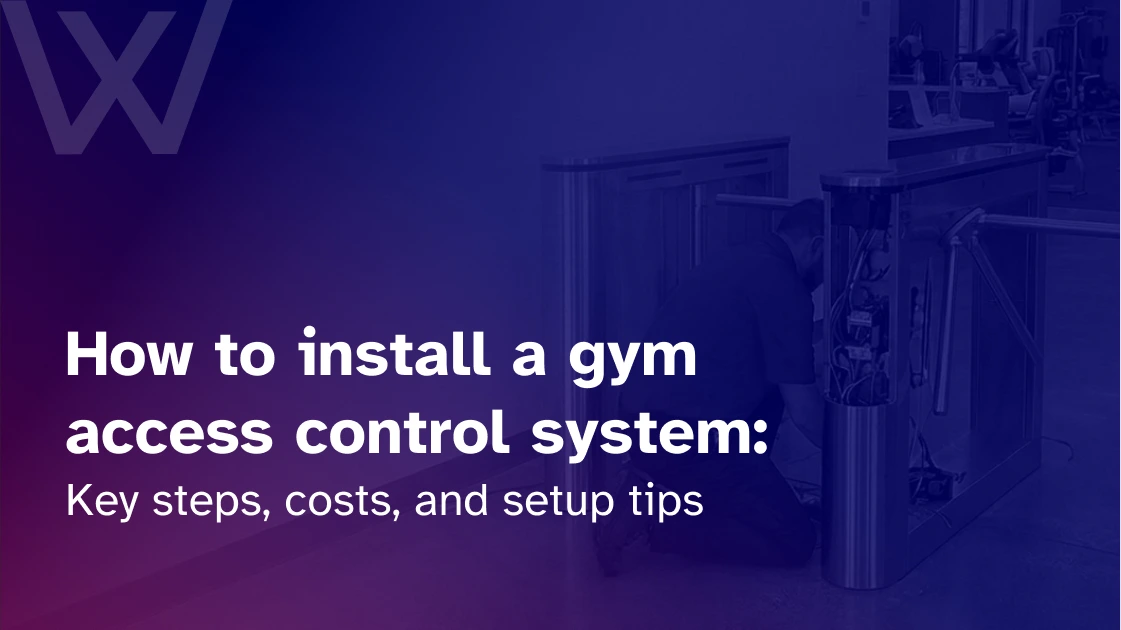
I was recently watching a YouTube video about access control installation.
It showed a keypad and fob reader being wired, tested, and programmed. On the surface, it looked like a tidy technical job: cables, terminals, power, credentials, and a door device responding as expected.
But in a gym, the harder question is rarely asked. “Can the reader work?”
The harder question is, “Who should this door trust at 5:15 AM?”
A member arrives before sunrise. Their membership is active, but their reformer booking is not until 7 AM. A cleaner needs access for another hour. A coach left last month and should not still have staff access. Another member’s payment failed overnight.
That is the real work behind gym access control system installation.
If you are comparing options before installation, it helps to understand how a modern gym access control system connects doors, members, bookings, billing, and staff permissions in one place.
This guide walks through planning, hardware, software, costs, testing, and launch, with the details gym owners need before anyone mounts a reader.
What is a gym access control system installation?
Gym access control system installation is the process of fitting and configuring hardware and software that controls entry into a gym. It includes readers, locks, controllers, wiring, credentials, member permissions, staff rules, and software integration.
A good installation connects access with memberships, billing, bookings, staff roles, guest passes, and 24/7 gym access rules. Done properly, it protects the facility, reduces front-desk pressure, prevents unauthorized access, and improves the member experience without making entry complicated.
Why gym access control matters before you install anything
You have decided to install access control. Before mounting any hardware, walk the site, map every door, and define the rules the system should enforce. That planning matters more than the hardware you eventually choose.
Plan your access control setup around the gym’s workflow
One mistake is buying hardware before mapping the gym.
Walk the site first. List every place that needs an access rule:
- Main entrance
- Staff entrance
- Back door
- Emergency exits
- Studios
- PT rooms
- Recovery rooms
- Storage rooms
- Offices
- Contractor access points
A boutique studio may need one controlled entrance, mobile access, and a simple staff override. A personal training facility may need separate rules for coaches, clients, and contractors. A fitness club may need separate access for recovery suites, staff areas, and studios. A multi-location gym needs a stricter structure because small permission errors multiply across sites.
Then define who can enter, where, and when:
- Active members
- Frozen or canceled members
- Staff and managers
- Coaches
- Cleaners
- Contractors
- Guests and trial users
- Premium members
Ask what should happen automatically when a payment fails, a payment recovers, a member books a class, a guest pass expires, or a staff role changes.
Strong gym member access control is designed around these daily moments. The door should not make random decisions. It should follow your business rules.
Once those rules are clear, hardware selection gets easier.
Choose the right hardware and credentials
Readers are the devices members use to prove access. A reader may accept a fob, card, PIN, QR code, phone credential, or biometric scan.
Locks and door hardware are the physical side of the setup. Common options include:
- Magnetic locks
- Electric strikes
- Smart locks
- Door sensors
- Exit buttons
- Emergency release hardware
- Turnstiles or speed gates
Different doors may need different hardware. A glass entrance, back-office door, and studio door will not always use the same lock. A busy 24/7 gym may need stronger tailgating control. A boutique studio may need only a reader, lock, controller, and mobile access.
Credentials shape the member experience.
Key fobs are familiar and easy to explain, though they can be lost or shared. If your gym wants a simple physical credential without overspending, a gym key fob system can still make sense.
Cards work for branded IDs. PINs are cheap but easy to share. QR codes suit day passes and trial visits, but static codes can be screenshotted. Mobile credentials feel natural because members already use phones for bookings, payments, and messages.
Biometrics can help where identity certainty matters, such as 24/7 access, premium zones, or staff-only areas. HID also reported that about 35% of respondents currently use biometric technology, while another 13% plan to use it.
For stronger identity checks, biometric access control for gyms may be worth exploring before installation.
Future-proof hardware. If you may add mobile credentials, internal rooms, or another site later, choose readers and controllers that can grow.
Mini glossary box
- Reader: Device used at the door
- Credential: Proof of access, such as a fob, phone, card, PIN, or biometric scan
- Controller: Device that processes the access decision
- NFC: Tap-based phone credential technology
- Bluetooth credential: Phone-based access using Bluetooth
- Electric strike: Door-frame lock release
- Magnetic lock: A door lock using magnetic force
- Anti-passback: Rule that discourages credential sharing
- Fail-safe: Unlocks when power is lost
- Fail-secure: Stays locked when power is lost, while exit safety is still handled
Connect access control with gym management software
Once the physical install is complete, connect access to your gym software. The door should know what the software knows. For the event-by-event workflow, failed payments, freezes, bookings that unlock rooms, staff departures.
The door should follow business rules. That is the line I repeat to owners
Step-by-step gym access control installation process
The installation process may look similar on paper, but the final setup can vary significantly from one facility to another.
A single-location boutique studio does not have the same access requirements as a large 24/7 fitness center or a business managing multiple gyms. Member volume, operating hours, security expectations, staffing levels, and facility layout all influence how access control should be configured.
That is why the best installation is not necessarily the most complex one. It is the one that matches the way the gym actually operates.
Step 1: Site survey
Walk through the gym before buying anything. Check door types, traffic flow, internet access, power points, exits, and future control areas.
Step 2: Choose the right system
Match the system to the facility. A boutique studio, personal training gym, 24/7 club, and multi-location operator need different access rules.
Step 3: Plan wiring, power, and internet
Decide where cables run, where controllers sit, which doors need power, whether wireless hardware fits, and how the system behaves during outages.
Step 4: Install readers, locks, and sensors
Readers should be easy to reach. Locks should match the door type. Sensors should confirm the door position. Exit buttons should be obvious and safe.
Step 5: Connect controllers
Controllers link readers, locks, sensors, and software. They may also connect with CCTV or alarms. Label everything so maintenance does not depend on one installer’s memory.
Step 6: Configure software
Add doors, locations, access groups, schedules, member types, staff roles, and guest rules.
Step 7: Create access levels
Set permissions for members, frozen members, canceled members, staff, coaches, cleaners, contractors, guests, and premium members.
Step 8: Test every scenario
Test active entry, failed-payment denial, frozen-member denial, guest expiry, mobile credentials, fobs, staff-only rooms, premium rooms, and after-hours access.
Step 9: Train staff
Teach staff what to do when access is denied, a phone fails, a fob is lost, or a guest arrives after hours.
Step 10: Launch gradually
Start with the staff and a small member group. Fix errors before rolling out fully.
NFPA explains that egress door locking arrangements must allow safe exit during emergencies, so fire-code checks should happen before launch.
Common installation scenarios box
- Small boutique studio: Single entrance, simple permissions, mobile access, and a backup credential
- 24/7 gym: Automated access, CCTV alignment, backup power, billing automation, and clear after-hours rules
- Multi-location gym: Centralized permissions, shared membership access, remote management, and reporting
Gym access control installation costs
Cost varies with door count, hardware, wiring, software, and support. Plan for the total installed cost, not just the reader.
Setup, testing, and launch tips
Train staff before members rely on the system. They should know how to handle denied access, expired memberships, guest entry, overrides, emergency access, lost fobs, phone issues, and premium-room disputes.
Member communication should be simple:
- Send setup instructions
- Explain mobile access or fob use
- Add signage near the entrance
- Tell members what to do if access fails
- Give staff a short support script
Security checks include:
- Door-held-open alerts
- Forced-entry alerts
- Anti-passback
- Power outage behavior
- Internet outage behavior
- Guest pass testing
- Premium room testing
- Emergency exit behavior
Do not test only the happy path. Test failed billing, expired QR codes, staff access outside hours, and network interruptions.
Launch week needs close monitoring. Door problems feel personal to members, especially early or late.
Common mistakes to avoid
The install-phase mistakes are: forgetting internal rooms during install, poor payment testing during pilot, weak staff training at launch, ignoring fire safety, and not removing old staff access after the system goes live.
The reader does not cause most problems. Most issues occur because the rules, software, hardware, and staff processes do not match. Install the system around the workflow, not the other way around.
Final thoughts
Strong gym access control installation starts before hardware goes on the wall. Map the building, define access rules, choose credentials, connect the software, test every scenario, and train the team.
Quick checklist:
- Map every door
- Define access rules
- Choose credential types
- Confirm software integration
- Plan wiring and power
- Check safety requirements
- Install readers and locks
- Configure member groups
- Test every access scenario
- Train staff
- Communicate with members
- Monitor logs after launch
Before choosing a connected gym access control system, review how it handles memberships, bookings, billing, access rules, and staff permissions.
The best access control system is the one members barely notice. Doors open when they should, staff stays in control, and the gym runs smoothly in the background.
FAQs
How much does it cost to install a gym access control system?
It depends on doors, hardware, wiring, labor, software, credentials, and turnstiles. A one-door studio is simpler than a multi-zone 24/7 gym with internal rooms.
Can gym access control connect with membership software?
Yes. A connected system can update access when a member joins, freezes, cancels, upgrades, books a session, or has a failed payment.
Can members use their phones to enter the gym?
Yes. Many systems support mobile credentials, QR codes, NFC, or Bluetooth access. Still, keep a backup option for edge cases.
What happens if the internet goes down?
A good setup should have offline behavior, cached permissions, backup power, or a manual procedure. Ask the vendor exactly what still works.
How do I stop members from sharing access?
Use individual credentials, mobile access, guest expiry, anti-passback rules, logs, alerts, and tighter controls for premium or 24/7 areas.