



Choosing the right gym gate access control system comes down to four things: the level of security you need, how quickly people must enter, how easy the system is to manage, and what the complete setup will cost.
Keypads, card readers, key fobs, mobile credentials, license plate recognition, and biometric scanners all work, but no single option fits every gym.
It is 5:55 a.m. The first class starts in five minutes. Three cars are waiting at the entrance, a trainer is behind them, and the member at the front keeps trying a credential that worked yesterday. The property is locked, but the entrance is not doing its job.
That is the difference between having a secure gate and having a gate system that works in real life.
A small studio may only need a keypad- or fob-controlled pedestrian gate. A busy 24-hour club may need a faster vehicle barrier, individual member credentials, backup power, a reliable wired or cellular connection, and 24-hour gym software that updates access as soon as a membership changes.
The decision starts with three connected questions:
- Which physical barrier suits the property?
- How will members and staff prove they are authorized?
- How will the gate stay connected to current membership records?
Operators comparing gates with door readers, turnstiles, and check-in tools can begin with this guide to choosing a leading access control system for a gym.
A gate is more than the part that moves
The visible barrier is only one piece. A complete setup normally includes a gate or turnstile, a credential reader, an electronic controller, management software, safety devices, and dependable power and data connections.
The parts perform different jobs:
- The barrier controls physical movement.
- The reader captures a PIN, fob, mobile credential, vehicle tag, license plate, or biometric identifier.
- The controller checks the credential against access rules.
- The software manages users, schedules, and records.
- The safety equipment detects vehicles, people, and obstructions.
The basic workflow is:
Member arrives → credential is presented → permission is checked → gate opens or stays closed → entry is recorded
Gate access is also different from building access and check-in. A parking barrier controls entry to the property. A door reader controls entry to the building. Check-in records attendance. Cameras document activity, while alarms notify staff when something unusual happens.
Gaps appear when these systems do not share current information. A fob may open the gate even though the membership platform shows that the account was canceled yesterday.
Why gym security starts outside
A member’s visit begins in the parking lot, at the side entrance, or beside the pedestrian gate. That is where trainers enter before opening, cleaners leave after closing, and trial visitors stop because they are unsure how to get in.
Gate-level control can help a gym manage member parking, 24-hour entry, staff access, guests, cleaning teams, deliveries, and restricted service areas. It can also remove outdated access when a membership expires, an account is frozen, or an employee leaves.
The aim is not to turn every arrival into a security check. It is to slow unauthorized entry without delaying an active member.
Individual credentials can also create a useful record of who attempted entry, when it happened, where it occurred, and whether access was approved. That record helps staff investigate repeated failures or a gate left open.
A gate is still only one security layer. It cannot replace lighting, cameras, alarms, clear pedestrian routes, or staff procedures.
Start with the busiest 15 minutes
Product demonstrations happen in perfect conditions. Gym entrances do not.
Map everyone who uses the gate: members, trainers, employees, cleaners, contractors, guests, trial visitors, delivery drivers, and emergency responders. Separate regular users from temporary visitors because they should not receive the same credentials or permissions.
Then measure the busiest 15 minutes. Count cars, pedestrians, failed reads, visitor questions, and each barrier cycle. Check whether a short queue could reach a sidewalk or public road.
Walk the site and record:
- Entrance width and turning space
- Fence-line clearance
- Space for a gate to slide or swing
- Slope and drainage
- Power supply
- Wired network availability
- Cellular signal at the entrance
- Camera sightlines
- Pedestrian and emergency routes
The wired-versus-cellular decision belongs here. A wired connection may require trenching, but it avoids depending on cellular coverage. Cellular hardware can reduce site work, though it relies on the signal available at that exact location.
Finally, list the failures in the current process. Shared codes, borrowed fobs, propped-open gates, former members with access, and separate membership and gate lists are not minor irritations. They are requirements for the replacement system.
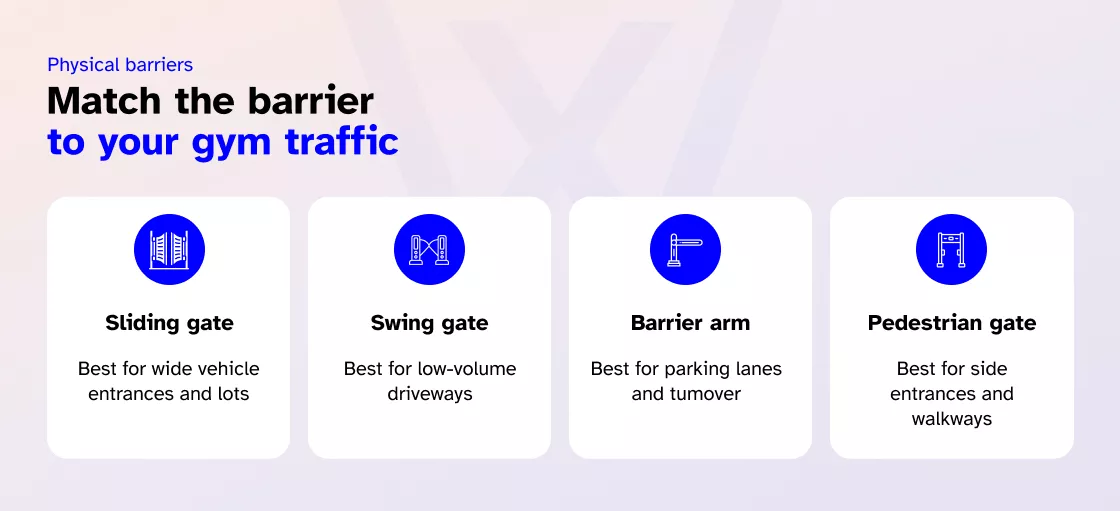
Match the barrier to the entrance
The barrier controls movement. The access system decides whether it should move.
| Gate type | Best suited for | Main advantage | Main limitation |
| Sliding gate | Wider parking entrances | Full vehicle control without a swing arc | Needs lateral fence-line space |
| Swing gate | Lower-volume driveways | Familiar, simple movement | Needs a clear opening arc |
| Bi-folding gate | Busy entrances with limited depth | Compact, quicker movement | More parts to maintain |
| Barrier arm | Member parking and vehicle lanes | Handles frequent turnover | Does not stop pedestrians |
| Pedestrian gate | Side entrances and walkways | Separates people from vehicles | Needs an accessible route |
| Turnstile or speed gate | Lobby or boundary entry | Controls one person at a time | Not a vehicle gate; needs an accessible alternative |
A barrier arm may solve unauthorized parking, but it does not create a complete pedestrian perimeter. A sliding gate offers stronger closure, though its movement and site requirements may affect peak-time flow.
Turnstiles can work at an interior or perimeter entrance, but U.S. accessibility standards state that they cannot form part of an accessible route. A compliant door or gate must be available beside them.
Ask how often the barrier will move, whether pedestrians have a separate path, how manual and emergency release work, and who services the motor.
Choose a credential members can actually use
The credential affects security and the number of support conversations at the front desk.
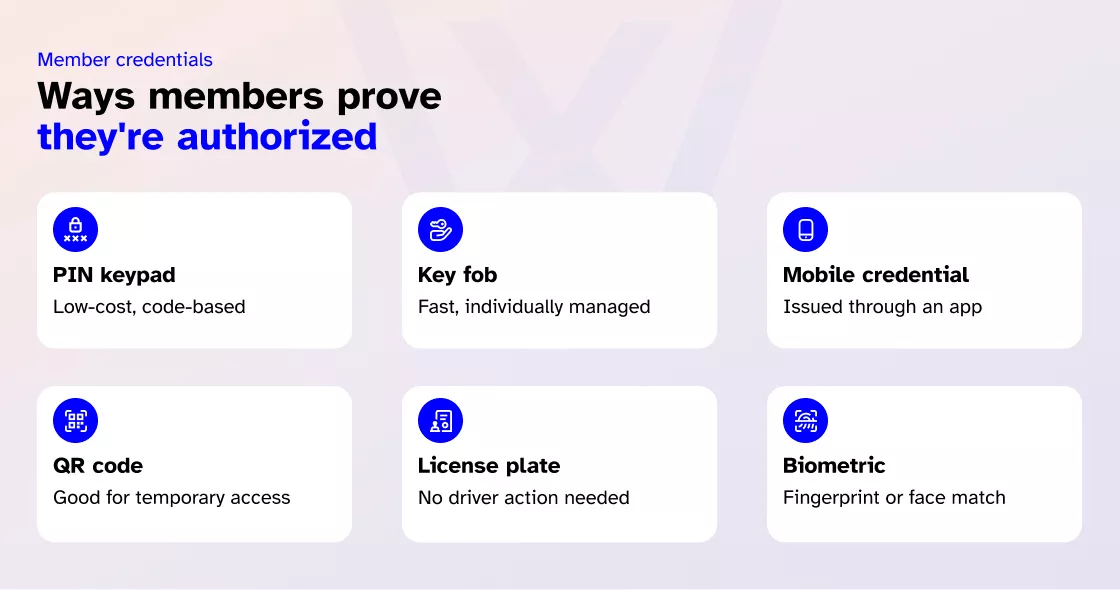
| Access method | Main strength | Main limitation | Best suited for |
| PIN keypad | Low credential cost | Codes can be shared | Secondary gates |
| Card or key fob | Fast and individually managed | Can be lost or lent | Members and staff |
| Mobile credential | Quick digital issue and revocation | Depends on the phone | App-based gyms |
| Dynamic QR code | Good for temporary access | Needs secure code controls | Trials and guests |
| Long-range RFID | Hands-free vehicle entry | Tags need management | Member parking |
| License plate recognition | Little driver action | Reads depend on conditions | Busy vehicle gates |
| Biometric credential | Less reliance on transferable items | Privacy and accessibility concerns | Selected areas |
| Video intercom | Screens visitors and deliveries | Can slow entry | Staffed sites |
Keypads, cards, and fobs
Keypads are simple and economical for a small team or secondary entrance. Their weakness is accountability. A shared code can spread quickly and remain active after someone leaves.
Fobs are individually assigned and easy to deactivate. Their ongoing cost comes from replacements and inventory management once hundreds are in circulation.
Read more: How to future-proof your gym’s key fob system without blowing the budget
Mobile and cloud access
A phone credential can be issued or removed without handing over plastic. It fits well when members already use an app for bookings and account management.
Still, a phone cannot be the only plan. Batteries die, devices change, Bluetooth is disabled, and some members lack a compatible phone. Ask what secure fallback is available.
Vehicle and biometric options
Long-range RFID identifies a registered vehicle before it stops. License plate recognition removes the separate tag but depends on camera position, lighting, plate visibility, and a procedure for rental cars or failed reads.
Biometrics may reduce credential sharing, but they introduce questions about consent and retention, accuracy, comfort, and alternative access. More advanced does not automatically mean more suitable.
Make the system follow gym rules
A reader only knows that something was presented. The controller and software must know whether that person is allowed to enter now.
Permissions may follow membership status, approved hours, location, bookings, staff schedules, guest expiration, or contractor work windows. When an account is frozen, an employee leaves, or a fob is lost, access should update without someone editing a second list.
Ask providers to demonstrate alerts for denied attempts, forced entry, a held-open gate, off-hours activity, and an offline device. Anti-passback can limit repeated use of one credential when entry and exit are both recorded.
Hardware security matters behind the wall. The Security Industry Association says OSDP Secure Channel supports AES-128 encryption and supervised communication between readers and controllers. Protect remote and administrator accounts too. CISA recommends multifactor authentication for privileged access, beginning with admin users.
Then test the integration through actual workflows:
Membership expires → access is suspended
Membership is reactivated → the credential works again
A trial is booked → temporary access is issued and expires
An employee leaves → permissions are removed at every location
Ask whether changes happen in real time, what data is synchronized, who fixes a failed connection, and whether locally stored permissions keep the entrance working during an outage.
Cloud or on-premises?
| Consideration | Cloud-managed | On-premises |
| Remote management | Usually browser- or app-based | Depends on local access |
| Multi-location control | Easier to centralize | More infrastructure may be needed |
| Updates | Often provider-managed | Managed internally or by an installer |
| Upfront infrastructure | Typically lower | May need a local server |
| Ongoing costs | Subscriptions are common | Licensing and support still apply |
| Outage planning | Needs local fallback permissions | Can work locally if configured |
Cloud management can suit operators who want one view across several sites. On-premises management may fit a facility with specific IT or data requirements.
Neither option removes the need for an outage plan. Ask what happens when the internet, cloud service, server, or controller becomes unavailable.
Plan for failure before opening day
A gate is easy to admire when every credential works. The meaningful test comes when the power fails, connectivity drops, hardware malfunctions, or someone uses the system incorrectly.
Vehicle loops, photoelectric beams, safety edges, and obstruction sensors help the operator detect someone or something in the gate’s path.
UL explains that UL 325 addresses automated gate-operator safety and entrapment protection, while UL 294 covers access-control system units.
Ask the installer:
- Does the gate open, close, or remain in place during power loss?
- Is there a manual release?
- How long will backup power support the gate and reader?
- Can emergency services enter?
- Can members and staff leave safely?
- Who receives a fault alert?
- Will stored events synchronize after reconnection?
Fail-safe and fail-secure behavior must match the entrance, emergency plan, and local code requirements. It is not a setting to choose by instinct.
Commercial gate operators are available from several established manufacturers. Regardless of brand, evaluate duty cycle, local parts availability, warranty coverage, installer experience, and safety compatibility.
Evaluate the installer as closely as the hardware. Review comparable projects, local parts availability, warranties, after-hours support, and who takes responsibility when the gate operator, reader, network, and software come from different providers.
Count the full cost
| Cost category | Possible expenses |
| Site work | Groundwork, drainage, fencing, conduit, and power |
| Barrier | Gate, operator, tracks, hinges, arm, and safety equipment |
| Access equipment | Reader, controller, intercom, camera, and enclosure |
| Software | Subscription, licenses, storage, and integrations |
| Credentials | Cards, fobs, vehicle tags, and mobile licenses |
| Installation | Wiring, configuration, testing, and training |
| Maintenance | Servicing, batteries, repairs, and updates |
| Expansion | Additional gates, sites, users, and integrations |
Compare systems over three to five years. The first quote may omit replacement credentials, integration charges, after-hours service, and the cost of adding another site.
A lower-cost system may be the right choice. It becomes expensive when records cannot be exported or existing hardware cannot be reused after a software change.
Where Wellyx fits
The physical gate, operator, reader, controller, sensors, wiring, and electrical work still need compatible hardware and qualified installation. Wellyx sits behind that equipment by connecting access decisions with the records a fitness business already manages.
| Wellyx record | Why it matters at the gate |
| Membership status | Frozen, expired, or canceled accounts do not need a manual list |
| Billing and account records | Access can reflect relevant status where configured |
| Classes and bookings | Entry can follow approved services and time slots |
| Attendance | Gate activity contributes to member visit records |
| Staff permissions | Access can follow role, schedule, and location |
| Multiple locations | Permissions can be managed across facilities |
| Member app | Digital access can reduce dependence on fobs |
The Wellyx gym access control system connects entry with memberships, services, time slots, and attendance. It can also support offline operation and synchronize records when connectivity returns.
Operators reviewing the wider software can also explore Wellyx for memberships, bookings, billing, attendance, and staff operations.
Wellyx is not a gate manufacturer or civil contractor. Its role is to connect access permissions with current membership, booking, attendance, billing, and staff records.
Compare providers with a scorecard
A weighted scorecard provides a more consistent way to compare shortlisted systems. It forces the comparison onto the criteria that actually determine whether a system holds up, not just which sales rep made the better pitch.
| Selection factor | Weight | System A (example) | System B | System C |
| Security and credential control | 20% | 4 | ||
| Member usability | 15% | 3 | ||
| Peak traffic capacity | 15% | 4 | ||
| Membership integration | 15% | 5 | ||
| Safety and emergency behavior | 15% | 4 | ||
| Reliability and offline access | 10% | 3 | ||
| Three-to-five-year cost | 10% | 3 |
Score each option from one to five, multiply by its weight, and add up the results. System A scores 76 out of 100, shown purely to demonstrate the method rather than to recommend anything.
The math is a tiebreaker, not a verdict. Safety, accessibility, and compatibility stay non-negotiable checks outside the score. A system can post the highest weighted total in the room and still be the wrong choice if it fails one of those.
FAQs
Is gate access control worth it for a small gym?
It can be when the gym has parking, an outdoor perimeter, unstaffed hours, or repeated unauthorized access. A small staffed studio may only need door access and check-in.
Is a keypad or key fob better?
A fob supports individual tracking and can be deactivated without affecting everyone. A keypad may cost less, but shared codes reduce accountability.
Can members open the gate with a phone?
Yes, when the reader, controller, app, and access platform support mobile credentials. Keep a fallback for a dead phone or app problem.
Can the gate work without the internet?
Some systems use locally stored permissions. Confirm which users remain authorized, how events are stored, and what happens after reconnection.
How much does a gym gate system cost?
Cost depends on the site, barrier, safety devices, credentials, software, installation, maintenance, and expansion. Compare the total cost of ownership rather than a single hardware price.
Choose for the busiest hour
Return to that 5:55 a.m. queue. The real test is not whether the gate works during a quiet demonstration. It is whether it can verify the right people, keep traffic moving, and provide a safe fallback when several members arrive together, and something fails.
Match the barrier to the property. Match the credential to the people using it. Connect access to current member records. Test safety, power, connectivity, and emergency behavior. Then compare long-term cost and support.
A good gate does not ask members to think about security every morning. It quietly verifies the right person, opens without unnecessary delay, and leaves staff with a dependable entry record.